

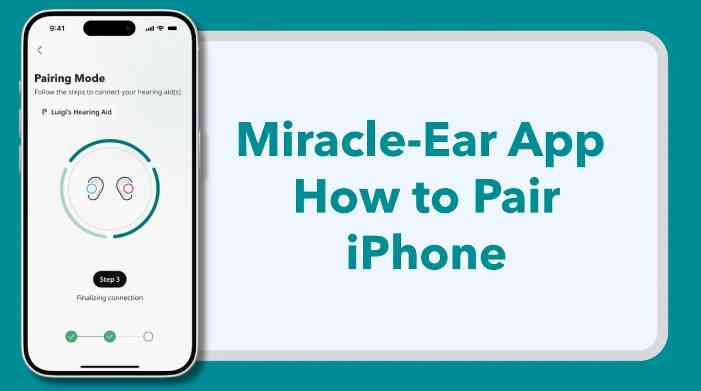

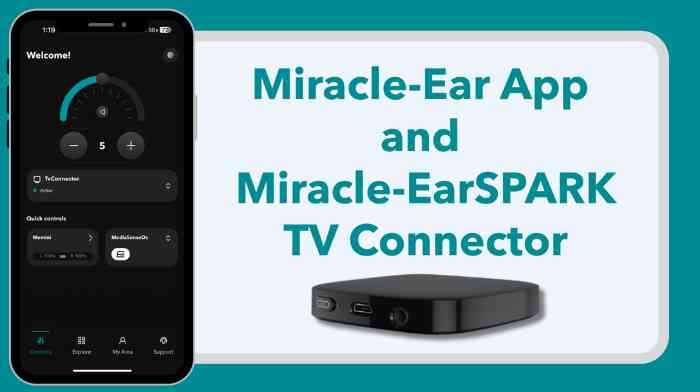
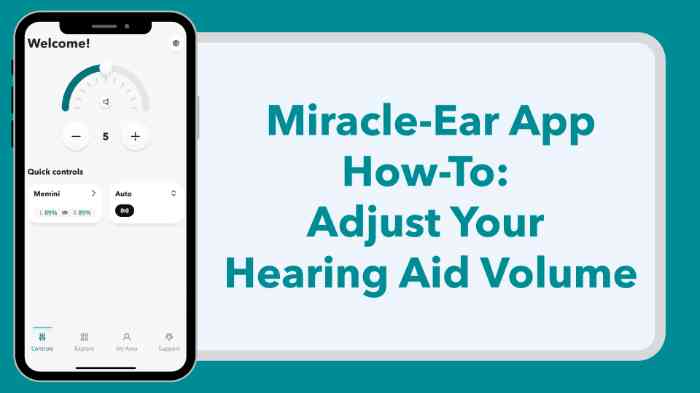
Take a full tour of the Miracle-Ear App and discover exactly where to find the features and settings you need to manage your hearing aids with confidence.
In this walkthrough, we’ll guide you through the app’s main dashboard, show you how to adjust volume, change programs, locate your device, and access personalized support—all from your smartphone. ✅
What You’ll Learn in This Video:
Whether you're a new user or just need a refresher, this video will help you get the most out of your Miracle-Ear experience.


 Find an expert at any of our 1,600+ locations nationwide